
AUDIO VISUALIZER / Studio

Audio Visualizer Styles

Explore six original styles. Each opens a working editor, from a classic spectrum to a WebGL terrain.

Open the studio

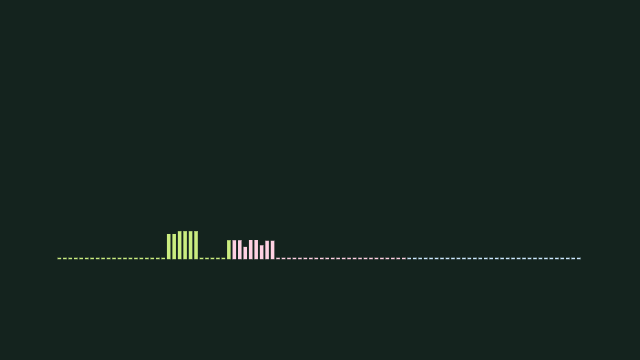
Audio Spectrum Visualizer

See low, mid and high frequencies as responsive bars. Choose linear, logarithmic or mel spacing, and tune smoothing for a calmer or sharper response.

Open the studio →

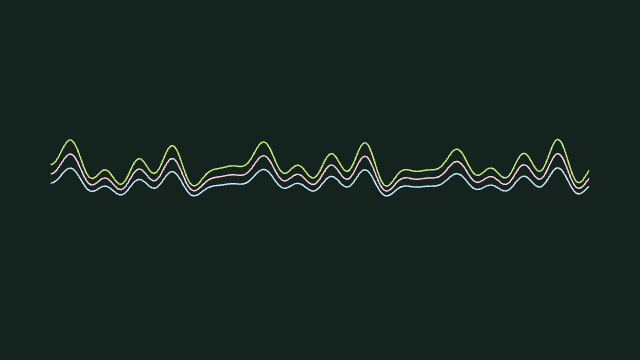
Music Waveform Visualizer

Turn the changing audio signal into three layered lines. This is a live waveform, not an image of the entire recording. Add a title for a simple music video.

Open the studio →

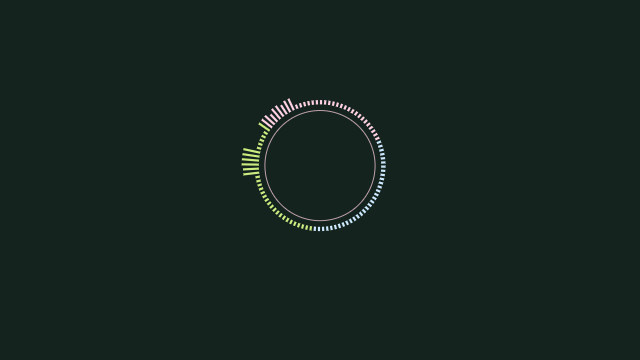
Circular Audio Visualizer

Wrap frequency bars around an orbit. A central image pairs well with this style; use a square video for cover-art clips or a vertical canvas for social posts.

Open the studio →

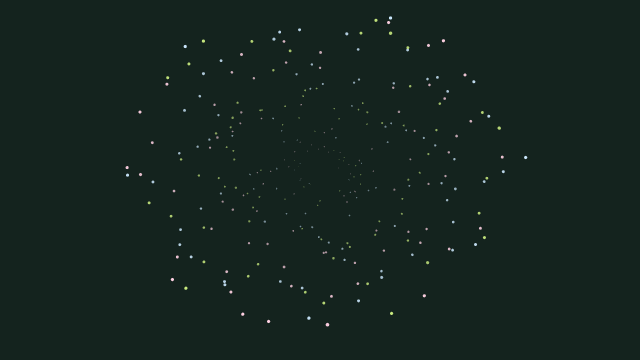
Audio-Reactive Particles

Build a field of original particles whose radius and size follow frequency energy. Change the motion speed independently of the audio playback.

Open the studio →

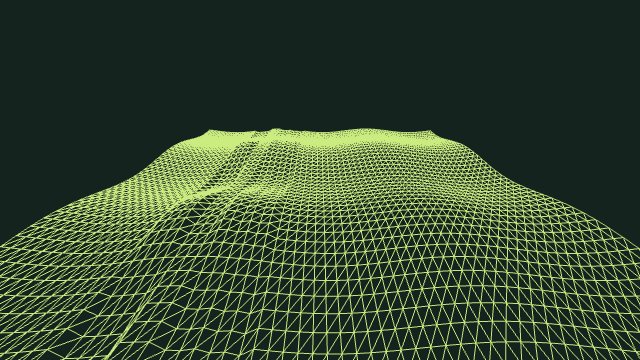
3D Audio Terrain Visualizer

Drive an original wireframe landscape with your music. WebGL renders the terrain; a 2D terrain fallback keeps the preview working without GPU access.

Open the studio →

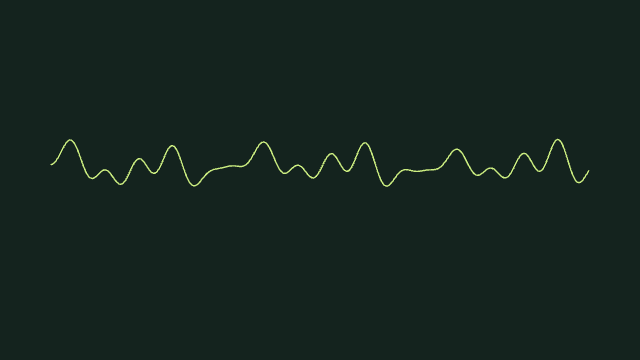
Music Oscilloscope Visualizer

Watch the time-domain audio signal as a single line. This artistic oscilloscope is useful for visual feedback, not calibrated electrical measurements.

Open the studio →

A small studio. Big energy.

  1. Bring your sound. Choose a local audio file, try the original loop, or connect live audio.
  2. Find your feel. Pick an original style, change the colors, and add your title, image or timed lyrics.
  3. Take it with you. Choose a clip and a video size. Render locally, then download the finished video.

Browser compatibility

Video export uses decoded file audio or the demo. Live inputs are for preview only. MP4 requires H.264/AAC encoding support. Transparent video uses WebM and depends on browser encoder support.

Audio: up to 200 MB. Formats depend on browser decoding support.

Privacy

Audio, artwork and lyrics are processed in your browser. Presets stay in browser storage. Shared links include text and visual settings; only share text you intend to make public.

Explore more

Audio Spectrum Visualizer

See low, mid and high frequencies as responsive bars. Choose linear, logarithmic or mel spacing, and tune smoothing for a calmer or sharper response.

Music Waveform Visualizer

Turn the changing audio signal into three layered lines. This is a live waveform, not an image of the entire recording. Add a title for a simple music video.

Circular Audio Visualizer

Wrap frequency bars around an orbit. A central image pairs well with this style; use a square video for cover-art clips or a vertical canvas for social posts.